
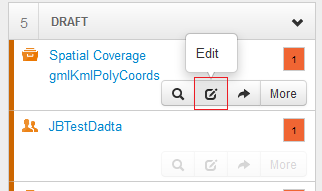
In order to edit a record listed on the Manage Records page, use either of the following methods.
Using the 'View' button
-
Select the
'Edit'button shown with each record.
Using the 'More' button
-
Select the
'More'button shown with each record. -
A contextual menu will appear.
-
Select the
'Edit Record'option.
