
-
Go to 'List PIDS' tab.
-
Click on the handle that you wish to edit/update.
Use the 'Search' bar to search for a particular handle. This is especially helpful if you have a long list of handles.
-
Click on 'Edit' button.

-
The Edit window will be displayed. You have the option to update the URL or the description of a handle.
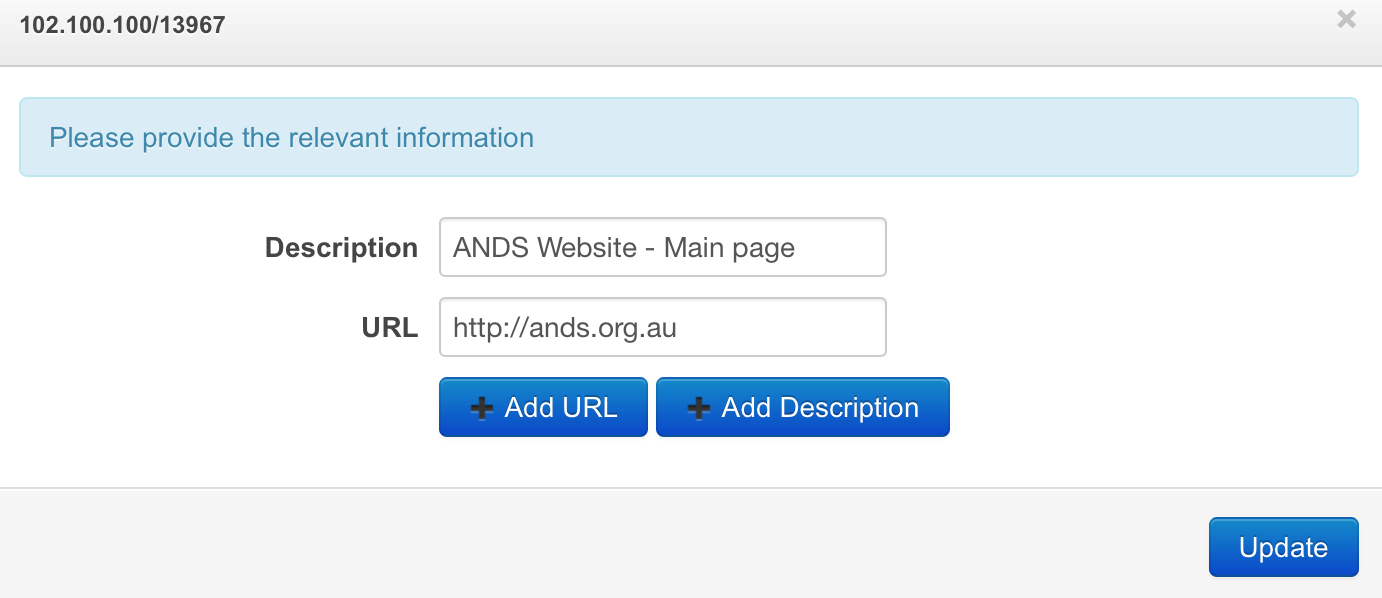
-
Click 'Update' button when done.